Back to plugins
Available on Adobe Exchange
Motion to Transform
Motion to Transform transfers common Motion animation into Transform-based controls so editors can keep their timing and prepare animations for better motion blur and cleaner finishing workflows.
- Platform
- Adobe Premiere Pro
- Plugin type
- UXP
- Status
- Available on Adobe Exchange
Launch price: $4.99. Available through Adobe Exchange. Pricing may change as the tools grow.
Overview
- Best for editors who animate quickly in Motion but want the smoother finish of Transform motion blur.
Workflow
- Animate position, scale, rotation, or anchor point with Motion controls.
- Select the video clip or graphic that should be transferred.
- Choose Manual, All Magic, or All Magic Copy Only.
- In Manual mode, choose Copy or Copy + Remove for the properties you process.
- Optionally set Transform shutter angle to 180 degrees for a motion-blur starting point.
Features
- Transfer Motion keyframes to Transform
- Manual mode with Copy and Copy + Remove property actions
- All Magic and All Magic Copy Only faster workflows
- Shutter angle support for motion blur workflows
- Requires Adobe Premiere Pro 25.6.4 or later
- Designed for Premiere Pro graphics and timeline cleanup
- Local plugin workflow with no cloud processing
Visual examples
Motion handoff and Transform blur in context.
Screenshots show Motion to Transform around keyframe transfer, Transform controls, and motion blur setup.
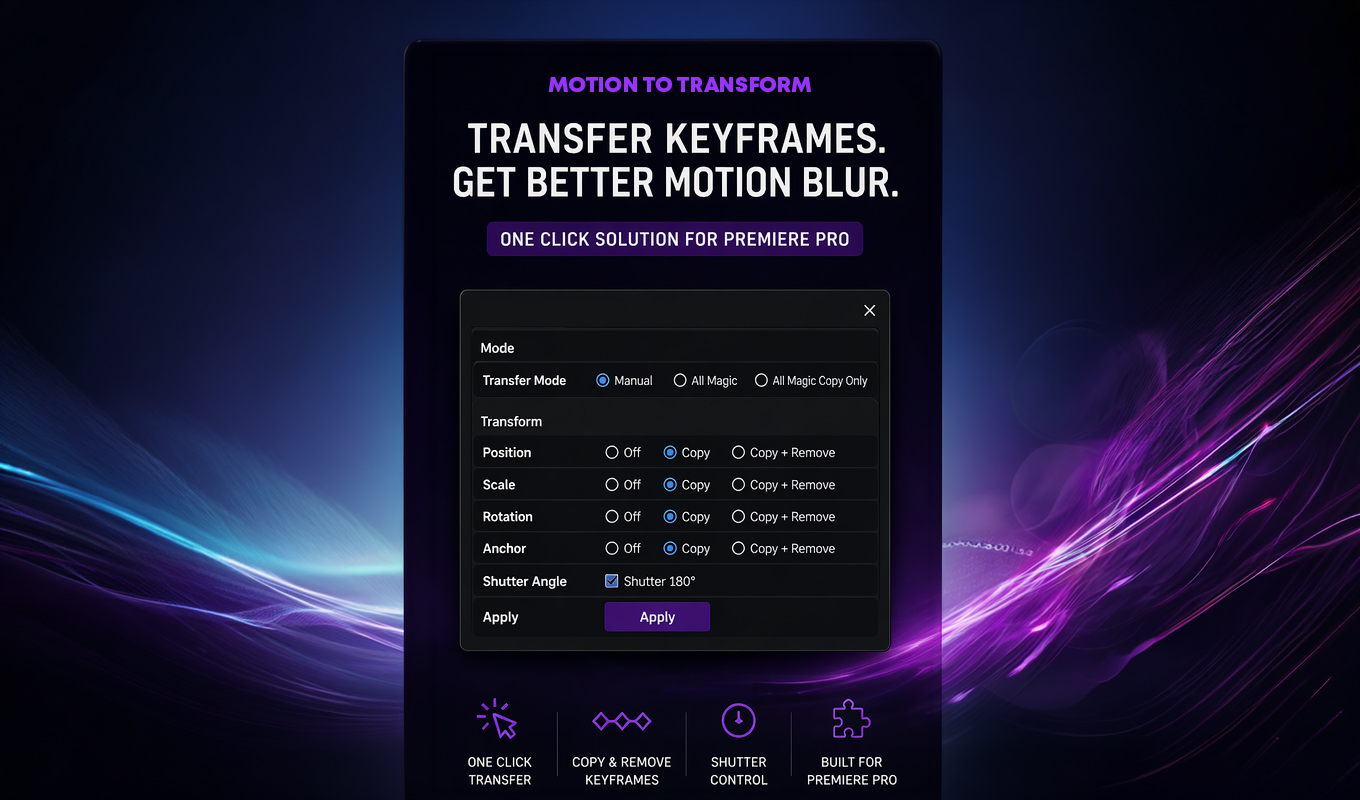
Transfer Keyframes
Motion to Transform interface showing Motion keyframes transferred to Transform controls.
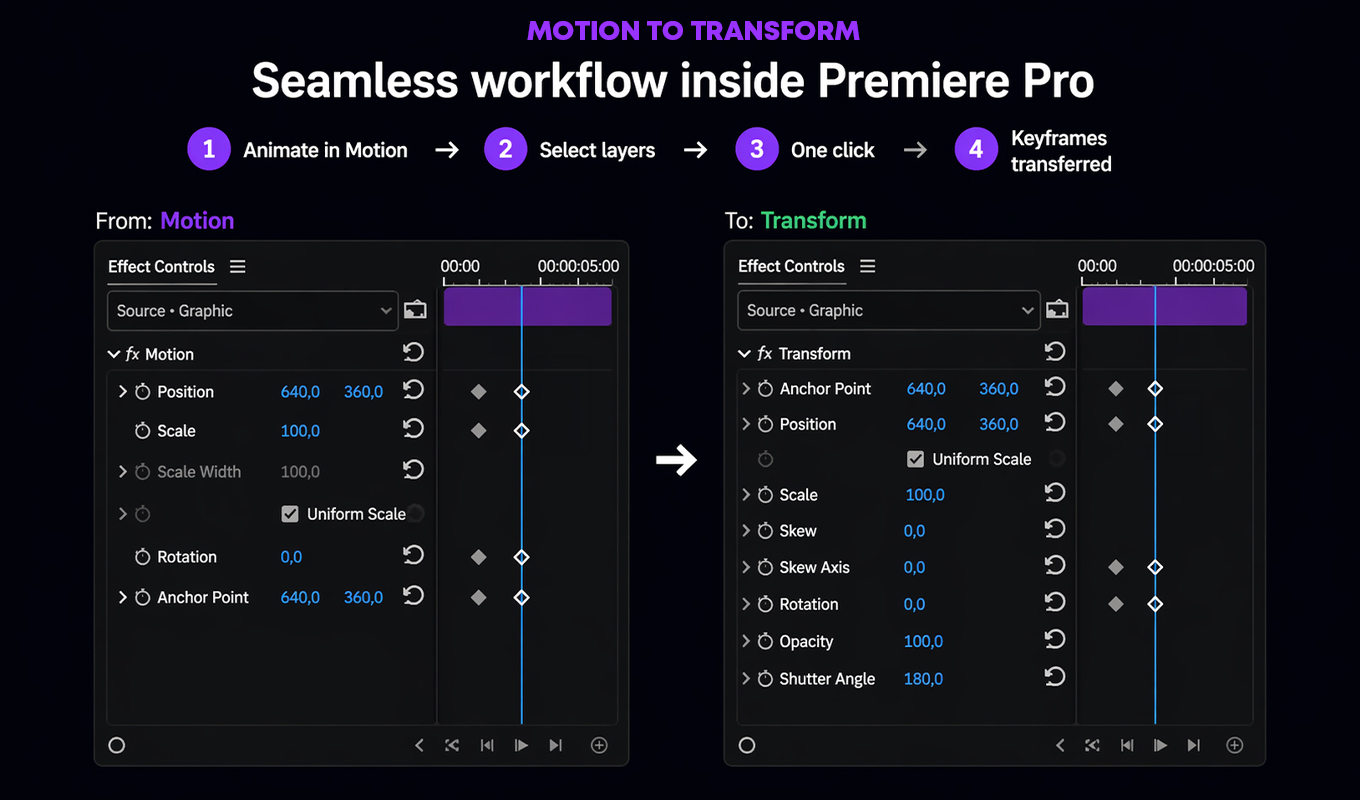
Premiere Workflow
Motion to Transform Premiere Pro workflow showing keyframes moved from Motion controls to Transform controls.
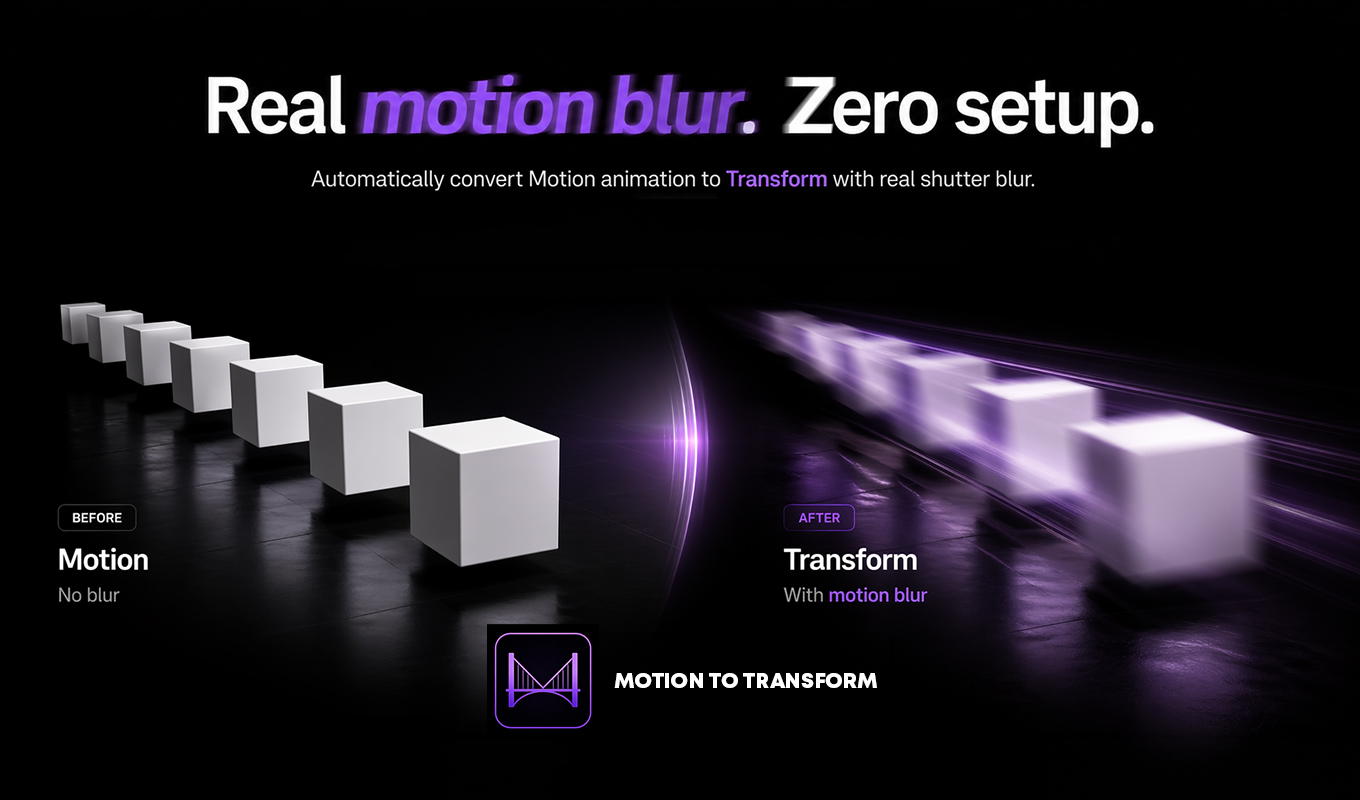
Motion Blur
Motion to Transform before and after showing Transform motion blur compared with Motion without blur.
Real use cases
- Cleaning Motion-based animation before finishing
- Preparing transforms for motion blur without rebuilding keyframes
- Moving repeated manual setup into a single plugin workflow
- Keeping animation timing while improving transform control
Workflow notes
Built for everyday Premiere Pro work.
- Install the plugin from Adobe Exchange.
- Open the panel inside Adobe Premiere Pro.
- Run the focused workflow on the clips or timeline area you are preparing.
- Contact Key-Farmer support for setup, purchase, or workflow questions.