
Available on Adobe Exchange
LiteCut
LiteCut is a Premiere Pro UXP panel for making Premiere feel lighter with safer cache cleanup, waveform import control, and simple proxy tools. It keeps routine maintenance close to the timeline without touching original media.
- Platform
- Adobe Premiere Pro
- Plugin type
- UXP
- Status
- Available on Adobe Exchange
Launch price: $2.99. Available through Adobe Exchange. Pricing may change as the tools grow.
Overview
- Best for editors who want safer cache cleanup, lighter imports, and simple proxy preparation without leaving Premiere Pro.
Workflow
- Open LiteCut inside Adobe Premiere Pro.
- Use Make It Lighter for common waveform and cache actions.
- Run Light Clean or Deep Clean only when you want safe Adobe cache cleanup.
- Create or remove LiteCut proxy files from the LiteCut Proxies folder when needed.
Features
- Light Clean removes only safe Adobe cache files
- Deep Clean removes only whitelisted Adobe cache and index files
- Waveform import control for lighter media imports
- Simple proxy creation and LiteCut proxy cleanup
- Does not delete original media
Visual examples
Cache cleanup, waveform control, and proxy tools in one panel.
Screenshots show LiteCut around Make It Lighter, waveform import control, media cache cleanup, and proxy creation.
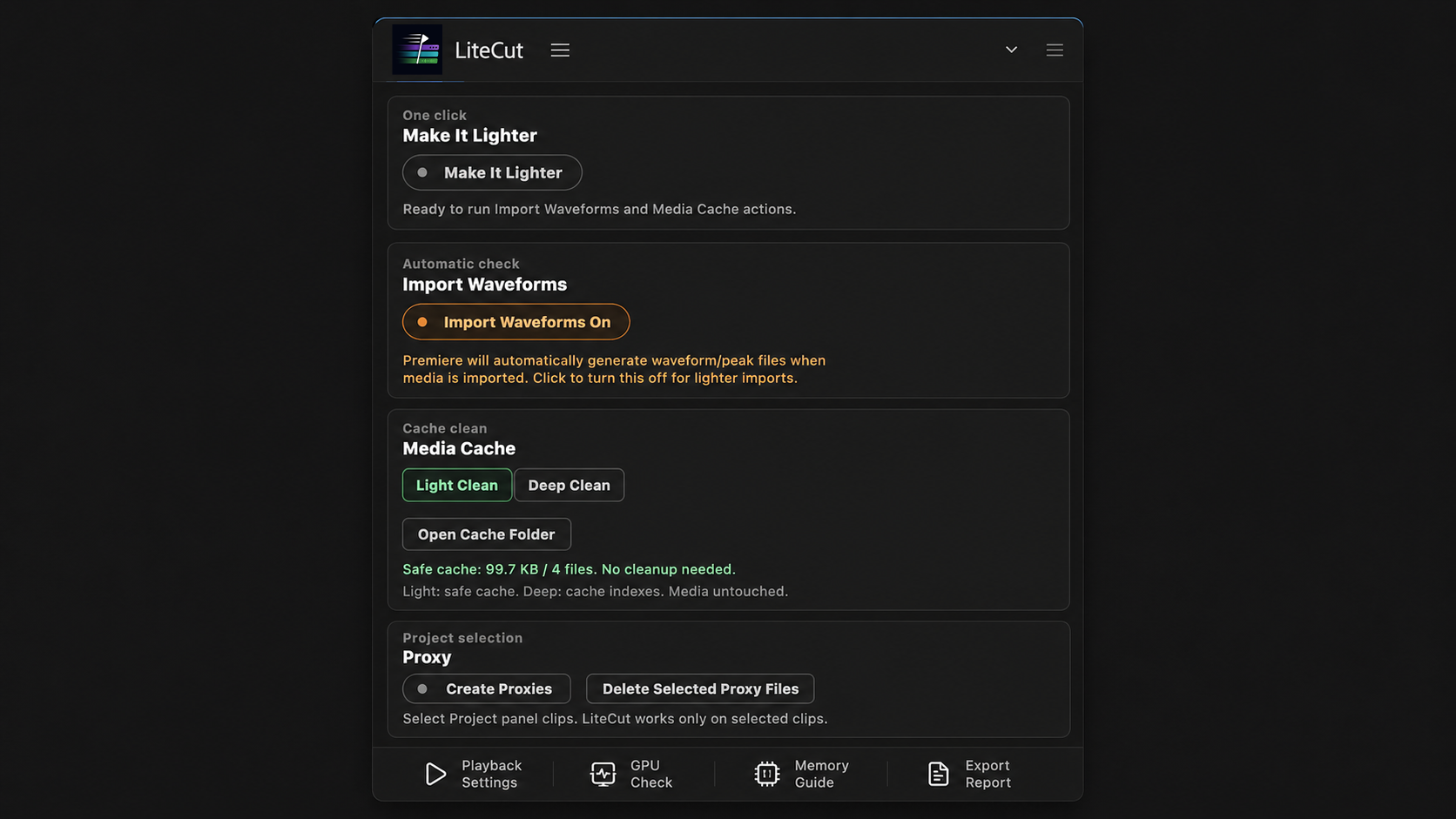
Panel Overview
LiteCut panel overview showing Make It Lighter, waveform import control, media cache cleanup, and proxy tools.
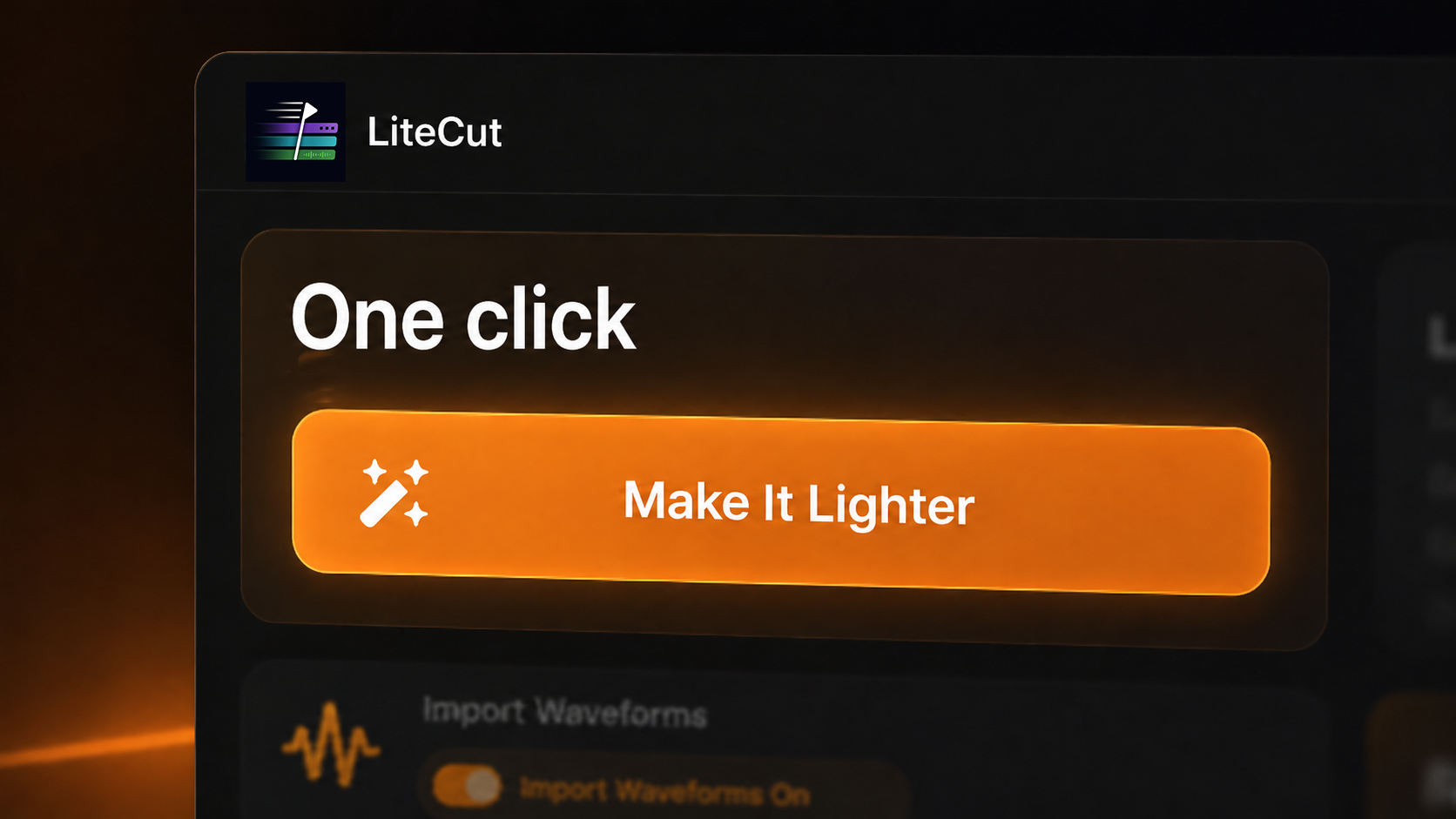
Make It Lighter
LiteCut Make It Lighter view for lighter Premiere Pro imports and safer cache actions.
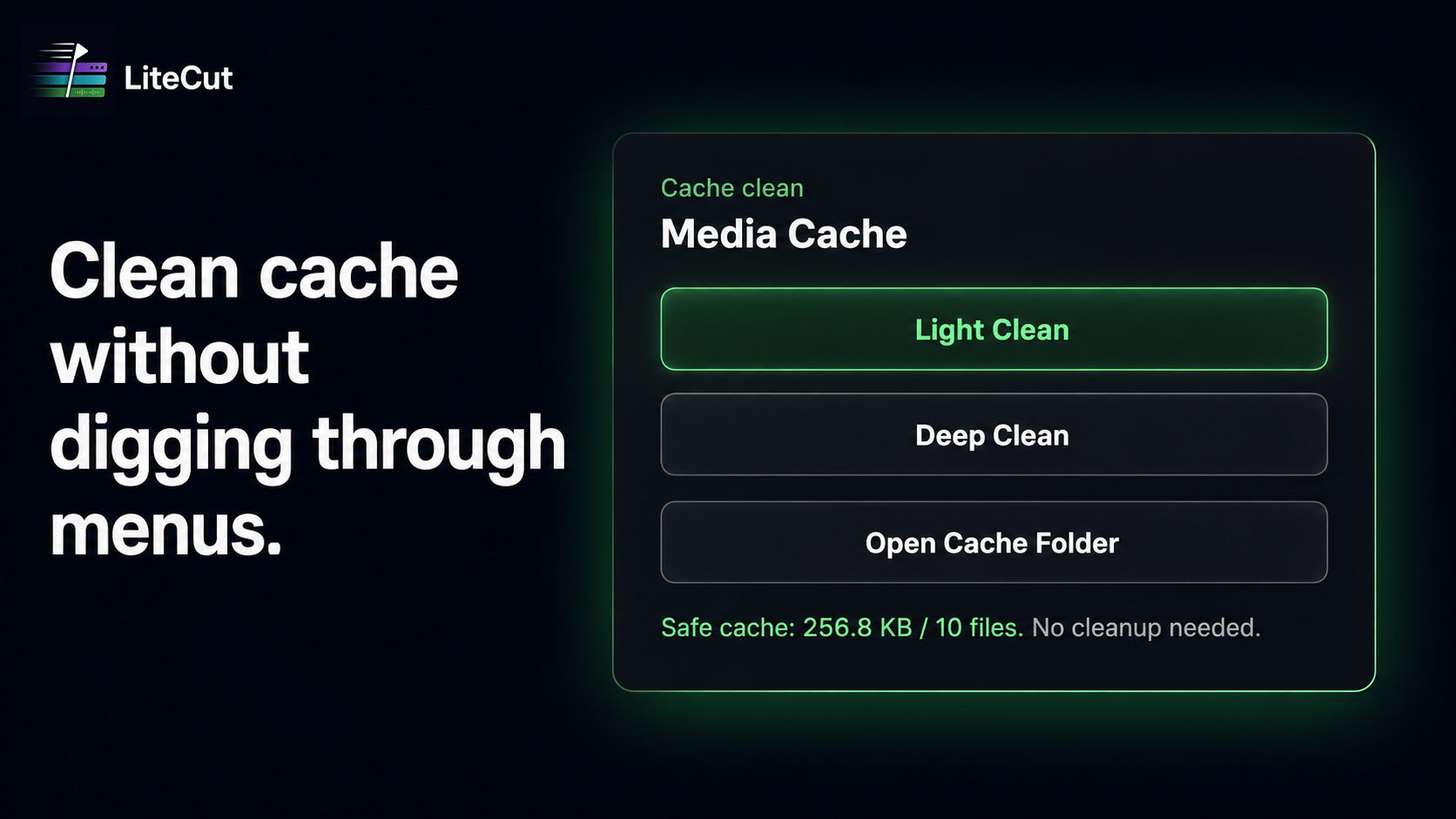
Cache Clean
LiteCut media cache cleanup controls showing Light Clean, Deep Clean, and Open Cache Folder actions.
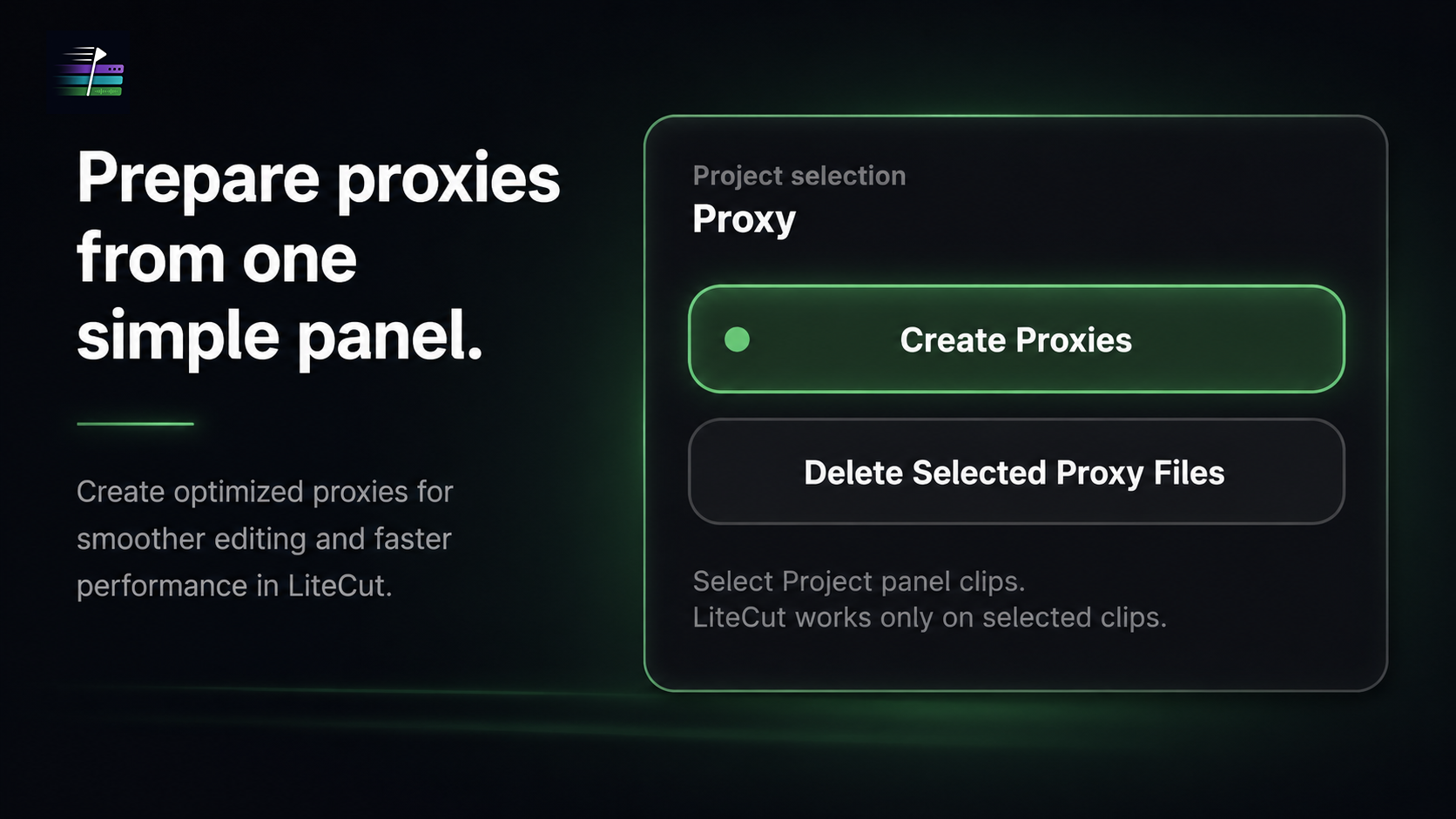
Proxy Tools
LiteCut proxy tools showing Create Proxies and Delete Selected Proxy Files controls.
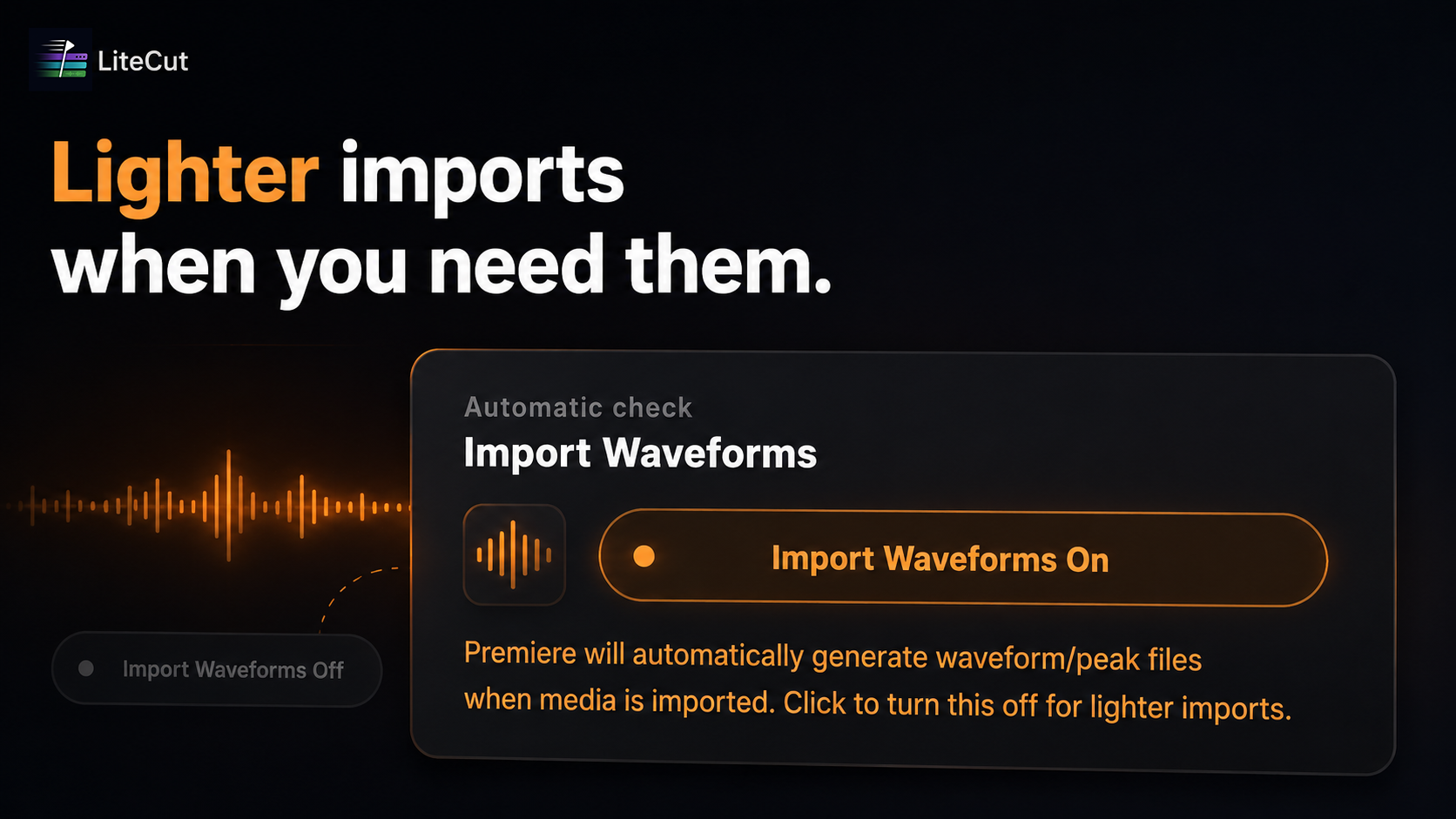
Waveform Import
LiteCut waveform import control for turning automatic waveform generation on or off in Premiere Pro.
Real use cases
- Making large Premiere Pro projects feel lighter before editing
- Cleaning safe Adobe cache files without digging through menus
- Turning waveform import behavior on or off for lighter imports
- Creating optimized proxies for smoother editing and faster performance
- Removing only LiteCut-created proxy files inside the LiteCut Proxies folder
Workflow notes
Built for everyday Premiere Pro work.
- Install the plugin from Adobe Exchange.
- Open the panel inside Adobe Premiere Pro.
- Run the focused workflow on the clips or timeline area you are preparing.
- Contact Key-Farmer support for setup, purchase, or workflow questions.